Don’t Ignore That Security or Software Update Notification
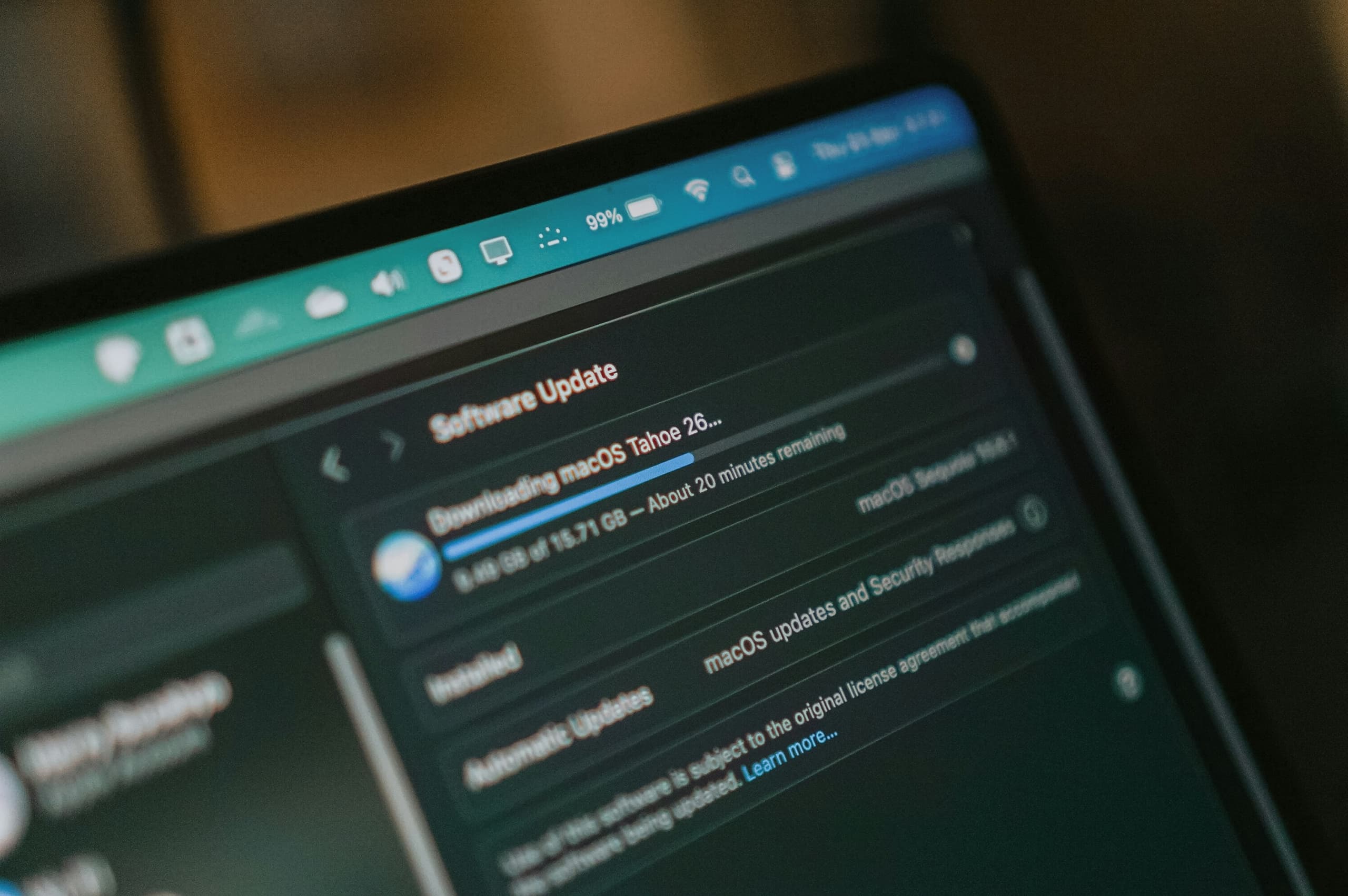
The update notification you keep dismissing is doing more than you realize.
Each one closes a security gap before someone else finds it. Skipping it feels harmless, but the fix inside stays undone, and the door stays open for anyone looking to walk through.
Updating your devices takes a few minutes. Ignoring the notification costs you far more.
Criminals Look for the Gaps You Leave Open
Software isn’t finished the day it launches. Companies keep testing it, and new weaknesses and bugs turn- up along the way.
Criminals search for those same weaknesses. Once they find a device still running the old version, getting in is easy. Close to 60% of breaches are tied to known vulnerabilities that existed after the fix was available. The gap wasn’t the flaw. It was the delay in updating.
Here’s what they typically look for:
Devices running outdated software versions.
Apps that haven’t installed the latest security fix.
Accounts left open on devices with known gaps.
Systems where a fix has been available for weeks or months.
An update closes that opening. Once you install it, the same trick stops working on your device.
The Excuses That Keep You Behind
Everyone has a reason for skipping an update, and many of them sound reasonable at the moment.
Here are the four you may have used yourself, and why they’re worth reconsidering.
“I Don’t Have Time”
- Most updates run in the background while you keep working. The device flags what’s needed, downloads it, and installs it during idle time or a restart you were going to do anyway.
- Turn on automatic updates, and the notification stops appearing altogether.
- For the rest, a five-minute window before bed covers it. That’s less time than dealing with a locked account later.
“Everything’s Working Fine”
- A device can run smoothly and still carry a security gap. Speed, battery life, and app performance don’t tell you anything about what’s happening underneath.
- The weaknesses criminals look for don’t slow your phone down or trigger a warning. Nothing about the experience changes until someone finds and uses one.
- Smooth performance means the device works well today. It says nothing about whether last month’s fix ever got installed.
“I’m Afraid Something Will Break”
- An update can shift a menu or change how an app looks, which can catch people off guard.
- But staying behind carries the bigger risk. A missed update leaves a known gap, and that gap doesn’t close over time.
- If a specific update causes trouble, you can usually find a fix or workaround
within daysquickly.
“I’ll Do It Later”
- “Later” rarely means a specific day. You dismiss the notification, and it comes back next week, then next month.
- Each dismissal doesn’t pause the risk. It just adds more time before the fix goes in.
- Next time you’re connected to Wi-Fi with a few minutes free, install it then. That beats waiting for a “later” that never shows up on its own.
The Devices You’re Responsible For
Your phone isn’t the only device that needs attention. If you manage your household’s techtechnology, devices and updates, a few others are probably on your list too, even if they don’t send notifications as often.
Your children’s phones and tablets
Smart TVs and streaming devices
A laptop that only comes out for taxes or travel
Devices belonging to older relatives who may need help updating
Don’t for get your wifi, router, or even your car.
These devices go longer between updates simply because no one’s watching for the notification. A quick check every so often keeps them from falling behind.
The Apps On Your Phone Need Updates Too
Updating your device’s operating system is only part of the job. The apps on it need attention, too.
A few settings make the biggest difference:
Banking and payment apps
Social media
Password managers
Most phones update apps automatically by default. But that setting can switch off on its own, especially after a phone reset or a new device setup.
Certo’s 2025 mobile security report found that 44% of iPhones don’t have automatic updates enabled, often without the owner realizing it. Check it once, and every app on your phone stays up to date without you having to think about it again.
Your Next Update Matters
You don’t need to update everything today. A single device or a setting switched on is a real start.
Not sure which one to check first? MERENA is your free personal cyber advisor, who can walk you through it and tell you exactly what needs attention on your devices.
The next notification you see is a small decision with a real outcome. Tap “Install,” and you close a gap before anyone finds it.