Staying Connected, Staying Confident: Simple Online Safety Habits for Grandparents

Technology keeps you closer to the people and things that matter. You call your grandkids without leaving the couch. You can also manage your bank account, refill prescriptions, and book travel from your phone. Being online isn’t separate from your daily life anymore. It’s how you live it.
You’ve built habits to stay safe in the physical world by locking your front door and checking a stranger’s credentials before you let them in. Online safety works the same way. A few simple habits protect what matters, and none of them require you to become an expert.
Confidence Online Doesn’t Require Technical Expertise

Online safety advice often sounds like it demands a technology degree. But it doesn’t. Staying safe comes down to two things:
- Knowing when to pause
- Knowing where to turn when something feels off
- Keeping your accounts up to date: software, passwords, additional authentication
Recognizing a scam doesn’t require understanding how it works. A 2025 Cox Mobile survey found that 62% of adults 65 and older feel confident they can identify and avoid online scams. The habits that protect you most are simple. They work at any age, and at any comfort level with technology.
You already have what it takes.
Five Habits That Make Online Safety Second Nature
None of these habits take more than a minute. Build them into how you already use your phone and computer, and they stop feeling like extra steps.
Slow Down Before You Respond
Urgency is the biggest giveaway of a scam. Scammers want you to act before you think. A legitimate company or government agency gives you time to consider its message.
You don’t owe an unexpected message an immediate response. Set it aside for a few minutes, or a few hours. Read it again once you’re not rushed. If it still feels off, don’t respond. Call the company yourself or check with a family member first.
Call Back Before You Click

Messages that tell you to press a link or dial a number can be made to look real. The picture and the wording may seem to match. But the place it leads to is often the clue.
Skip the link entirely. Open your banking app yourself, or use the number printed on your card or statement. That number connects you to the real company, not whoever sent the message.
Checking the link this way is a good habit.
Some Accounts Matter More Than Others
You don’t need to lock down every account you own. Focus on the ones that matter most:
- Banking
- Healthcare
- Primary Apple or Google account
These hold the keys to everything else.
Give each one a strong, unique password and turn on another form of authentication to prove it’s you (often called multi-factor authentication or MFA) where it’s offered. Keep your recovery information current too, so you can get back in if you’re ever locked out.
The Best Update Is the One You Don’t Have to Think About
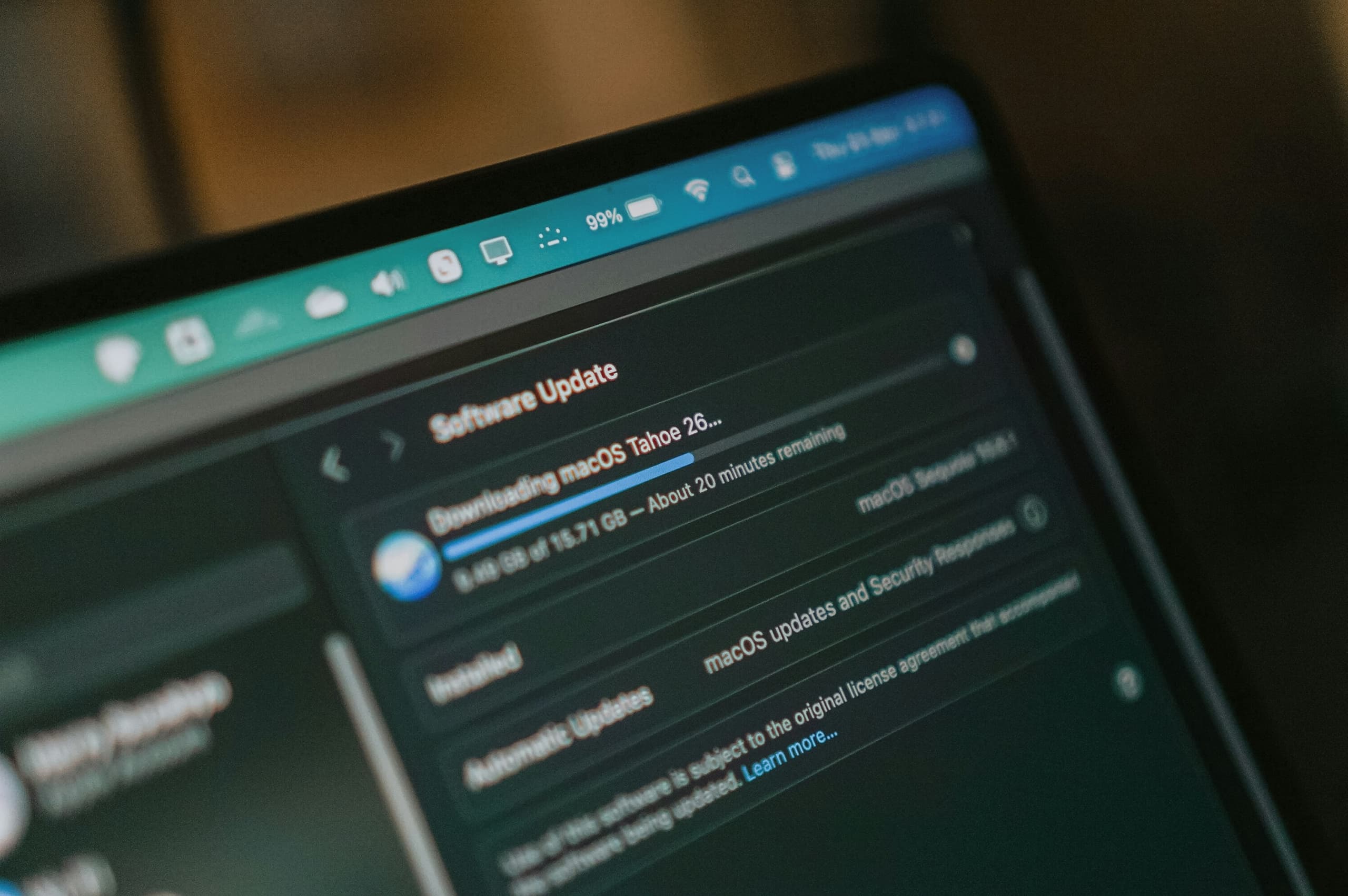
Every update to your phone, tablet, or apps includes security fixes. Skipping them leaves those gaps open.
Turn on automatic updates and let your devices handle the rest. You won’t need to track version numbers or read release notes. Updates happen in the background, usually overnight, while you sleep.
This is the easiest habit on this list.
A Second Opinion Isn’t a Loss of Control

Asking someone, “Does this look right to you?” doesn’t mean you can’t manage your own online safety. It means you’re making a smart call.
Everyone gets fooled sometimes. Your kids and grandkids click the wrong link too. A second opinion adds another layer of protection.
Confidence Comes From Knowing Who to Ask
Online safety isn’t about knowing every answer. Most people don’t, no matter how much time they spend online. It’s about knowing how to find the right one when something comes up.
A few reliable places to turn:
- A family member you trust.
- Your bank or provider’s official customer service line.
- The company’s app or website opened directly, not through a link.
- A trusted friend who’s dealt with something similar.
Extra Support That Keeps Your Independence Intact
Your accounts, devices, and personal information don’t all live in one place. Neither does the advice for protecting them. That’s where a lot of being overwhelmed comes from.
MERENA gathers that guidance into one place, so you don’t have to piece it together yourself. With the MERENA+ Family Plan, that support extends to the rest of your household, so everyone can stay informed together.