
Is Your Device Acting Strange? Warning Signs to Watch For
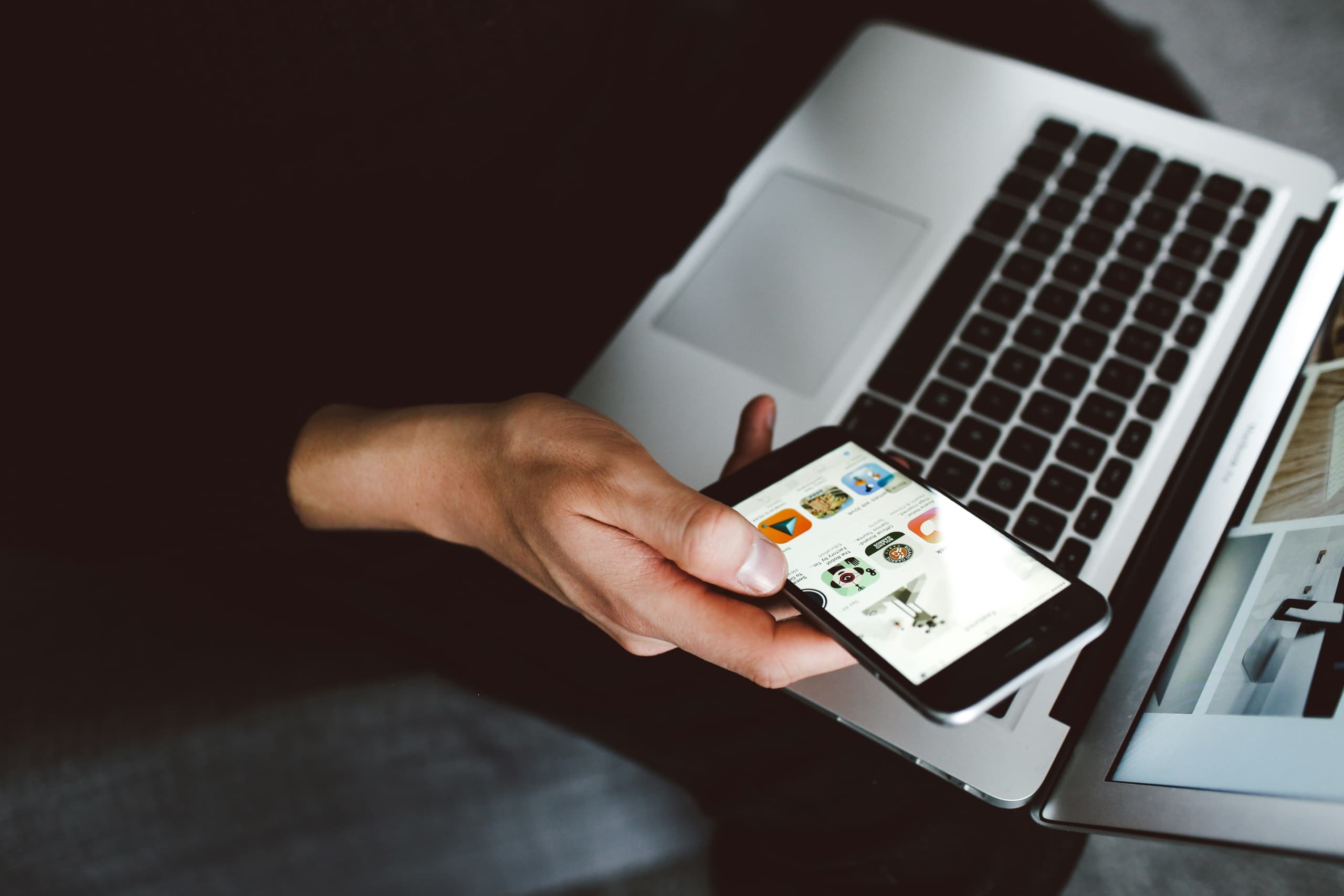
Your phone and laptop can have a bad day sometimes. Slow loading, some random pop-up, or an app that takes forever to open usually means nothing.
But then there are other changes that don’t really follow a pattern. You end up just standing there thinking, “Is something actually wrong?” That’s the part worth paying attention to. Not every hiccup is a threat, yet some definitely are.
The Difference Between a Slow Day and a Real Warning Sign
Every device slows down eventually. Storage fills up, and those updates require more power than before. None of that, by itself, signals any danger.
What matters is the pattern. Your phone ran fine yesterday, and today it lags, overheats, or drains its battery by noon. That shift is the real signal.
Five Signs Your Device Is Trying to Tell You Something
Not every red flag looks the same. Some show up in how your device performs, and others in what you find when you check it. Here’s what to watch for.
Your Device Suddenly Slows Down
A sudden slowdown often means something is running in the background without your knowledge. Malicious software uses your device’s processing power to carry out tasks, from collecting data to sending it elsewhere, and that extra workload shows up as lag.
Your device can only do so much at once. When something unfamiliar competes for those resources, everything else slows down to make room for it.
Pop-Ups That Won’t Quit
Real security software never uses a pop-up to demand a phone call or a payment. A message that blocks your screen, refuses to close, or pushes you to act immediately is trying to scare you into a bad decision.
These tactics work. Tech support scams cost Americans over $148 billion in 2025, and the average household loses around $1009. If a warning traps your screen or asks you to call a number, that’s a scam.
Your Battery or Data Usage Spikes
Background activity uses power and data even when your screen is off. Something running without your knowledge, like malware or an app misusing its permissions, adds to that load and drains both faster than normal use would.
If your phone gets warm or overheats during pretty light use, that also fits the pattern. So take a look at your battery stats and data settings, especially for apps that you rarely open.
Apps or Settings You Don’t Recognize
Your device sometimes changes on its own, through updates or new features you approved without noticing. But an app you never installed, a browser homepage that’s suddenly different, or a permission you never granted didn’t happen on its own.
Someone or something made that change without asking you. A single unfamiliar app might be nothing, but if you can’t account for it, look into it, and remove it if you can’t find a reason it’s there.
Friends Say They’re Getting Strange Messages From You
Every warning sign so far appears on your device. This one shows up on someone else’s screen first when a contact receives a message or email from your account that you never sent.
That’s often the first clue an account has been compromised. Change that account’s password right away, and let your contacts know not to click anything it sends.
What To Do When Something Feels Off
You don’t need to diagnose the problem yourself. A few calm, deliberate steps cover most cases:
- Disconnect from public Wi-Fi: Switch to your home network or cellular data until you sort things out.
- Update your device: Many fixes patch the exact issue you’re seeing.
- Change key passwords: Start with banking, email, and any account that may be affected.
- Run trusted security software: Skip anything a pop-up tells you to download.
- Ask for help if you’re unsure: A trusted friend, a professional, or a resource like MERENA can help you figure out what you’re seeing.
Whose Devices Need the Most Attention in Your Household
Not every device in your home carries the same risk. Some get more downloads, more clicks, and less oversight than others. Start with:
- Kids’ phones and shared tablets, which get passed around and clicked through often
- Older relatives’ devices, which tend to run outdated software and skip updates
- Any device with banking or email access, since that’s what a scammer wants most
One overlooked device can put the rest of your household at risk.
The Best Fix Starts With Paying Attention
Most devices emit subtle signals that require attention before they become bigger problems. All you really need is a simple habit of checking in when something feels different.
That’s the real skill here: noticing early, checking calmly, and acting before a small issue grows. If you want a second set of eyes on the process, MERENA offers plain-language guidance whenever you’re unsure what a warning sign means.