New School Year, New Online Routine: 5 Safety Habits for Families

Every fall, your household resets. New routines get built, and old ones get restarted, mostly without you thinking twice about it.
Your family’s online habits deserve the same reset. Too many apps pile up in the first weeks of school. And it all happens fast, before anyone stops to ask who has access to what.
None of that means something is wrong. It just means this is a good time to build a few habits that stick because they’re already part of how your family resets each fall.
Why Back-to-School Expands Your Family’s Online Footprint
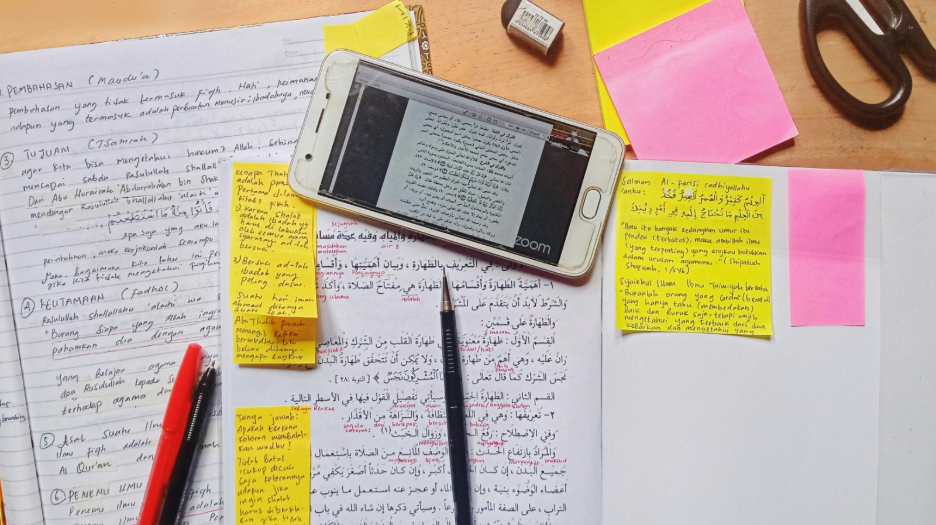
In a lot of homes, new logins show up sooner than people expect. Learning websites, grade-check apps, sports team portals, and carpool group chats all add to it.
During one school year, students use about 45 different education tools. That figure does not count the extra apps and chat accounts your family starts for its own needs.
Each account asks for an email, a password, and many times a payment method. On its own, none of it feels like much. Together, it adds up to a network of logins your family depends on all year, and getting a clear picture of that network is the first step toward protecting it.
Five Habits That Protect Your Family
Each habit below takes minutes to set up and holds for the rest of the school year. Start with the one that matches your family’s biggest gap right now.
Keep devices updated
New software fixes known security issues. If you delay an update, your phone or laptop can stay open to a problem others already understand and can use.
Turn on automatic updates for your devices. Also enable it for the apps you rely on most. That includes school sites, email, and banking apps. Do not forget school-issued devices either. Even if the district handles some updates, a device that sits unused for weeks can miss recent fixes.
Once you set it, the updates run in the background.
Protect the accounts that matter most
Begin with the logins that would cause the most trouble if they were taken. This includes email, school systems, and any account linked to paying money.
Email is usually the key point. Many other services rely on it for login and password resets. If someone has your email, they can often reach the rest.
Set a strong password that is different for each account. Also enable multi-factor authentication (MFA) to ensure only you can access your accountenable multi-factor login when you see it. This extra check stops many break-in attempts, even when a password gets exposed.
Pause before clicking the school email
School season can bring a lot of messages to your phone or computer. You might see forms, fees to pay, and sign-up pages. They often show up close together. When you are busy, it is tempting to click right away, and that is what scammers try to use.
If you get a message asking for money, a login, or any private details, do not click immediately – pause for a second. Open your school website or app on your own. Look it over for a moment. That quick email-check step helps you see if it is legit.
Share the Moment and Not the Details
First day photos, team lists, and the class calendar are all part of the back-to-school routine. Posting them feels normal.
What matters more is what you include in social posts without thinking. A school name in the background can be there. Or a location tag can also show up and mark where your child is in the morning.
By itself, any one of those details might not seem like a problem. But post a few things like that over time and someone may figure out your routine.
Make safety a family conversation
You don’t have to catch every suspicious message yourself. Your kids see plenty online too, and asking them what popped up in a group chat or an app can surface things you’d otherwise miss.
Normalize questions like “does this look real?” or “why is this asking for my password?” at the dinner table.
You Don’t Have to Become the Family IT Department
You already handle school dates, doctor visits, payments, and carpool without a guide. Online safety is similar. It is another task to keep up with, not a new talent you must learn.
You do not have to understand how encryption is built. You also do not need to read every part of a security report. Focus on the accounts that matter most. Check the messages that look suspicious. Then decide where to go next when something seems wrong.
That’s a smaller job than becoming an expert, and it’s one you’re already equipped to handle.
A Safer School Year Starts With One Small Habit
The best time to think about online safety is now, while everything is still working the way it should.
Prevention doesn’t require a dramatic change. It just asks you to act on the small things before they turn into bigger problems, which is easier than it sounds once a habit is already in place.
That’s the idea behind MERENA. You shouldn’t have to hand over your passwords to understand your risk, and you shouldn’t have to piece together advice from a dozen sources to keep your family protected. MERENA brings that guidance into one place, so you know what matters and what to do next.
Start with one habit this week. Let the rest follow.